https://twitter.com/the3venthoriz0n
gitHub code is HERE
Basic Design:
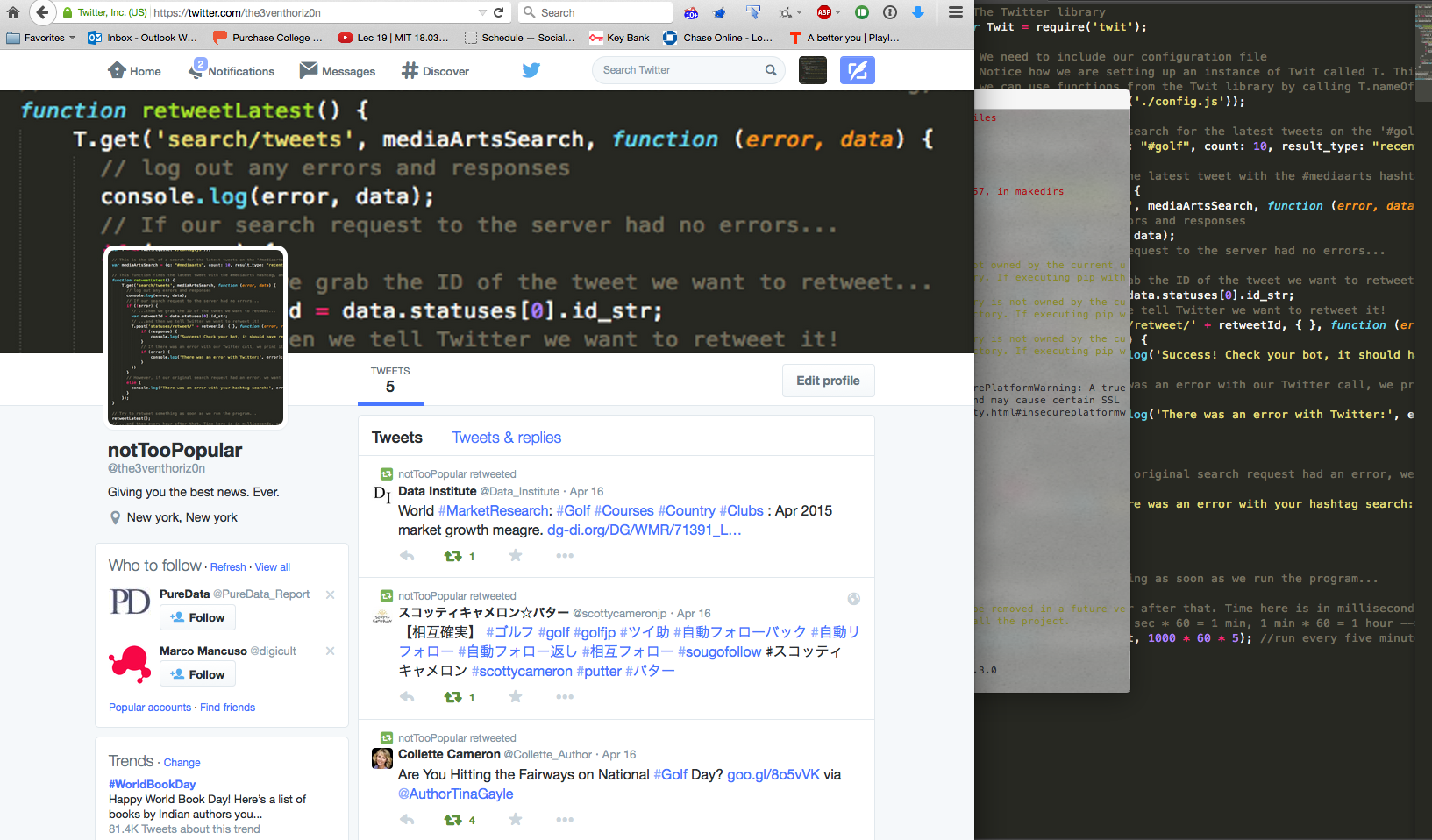
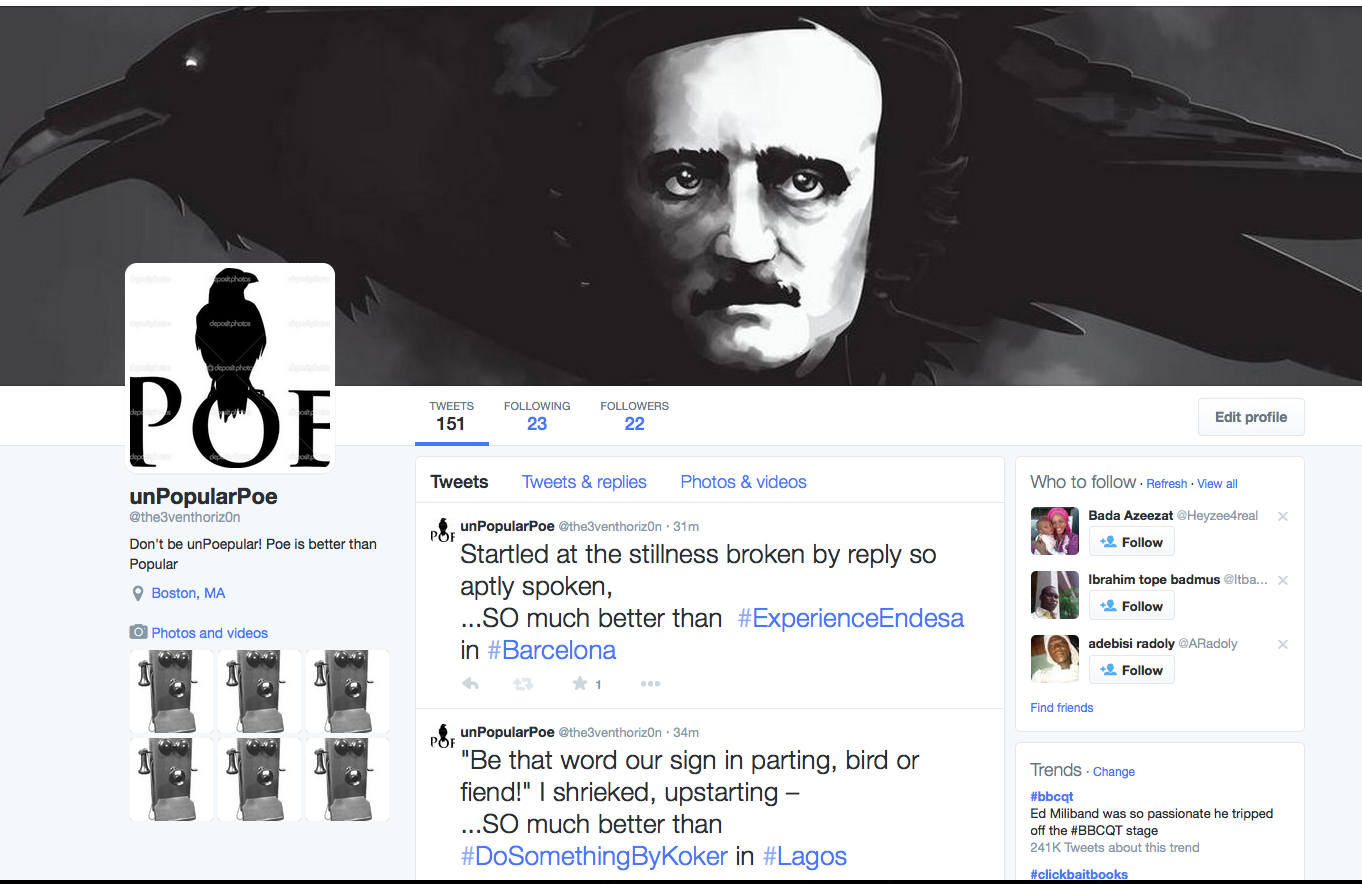
Although unPopularPoe falls short compared to Rob Ellis’ chat bot in “Creating at Chat Bot”, Poe has is own little quirks. Poe is a lonely bot, who would rather read his own poems than get involved with popular topics. As you can see by Poe’s twitter posts, he finds topics that are trending and compares them to his wonderful poetry. Remember…don’t be unPoepular!
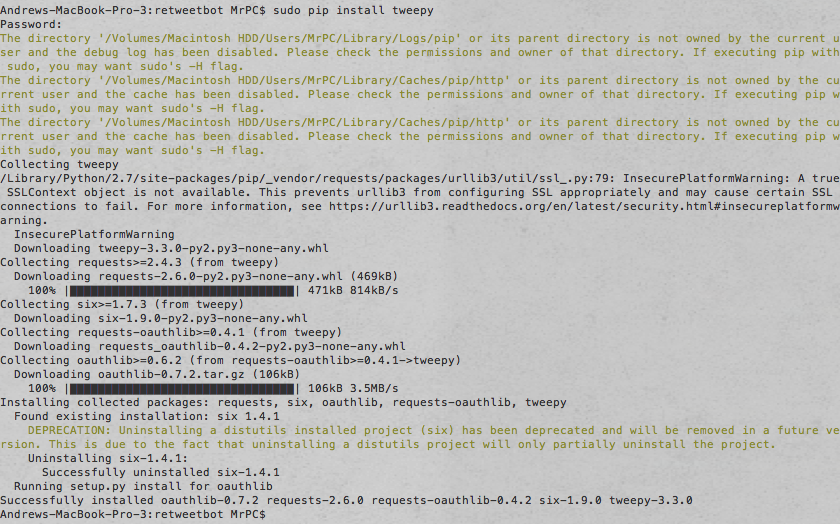
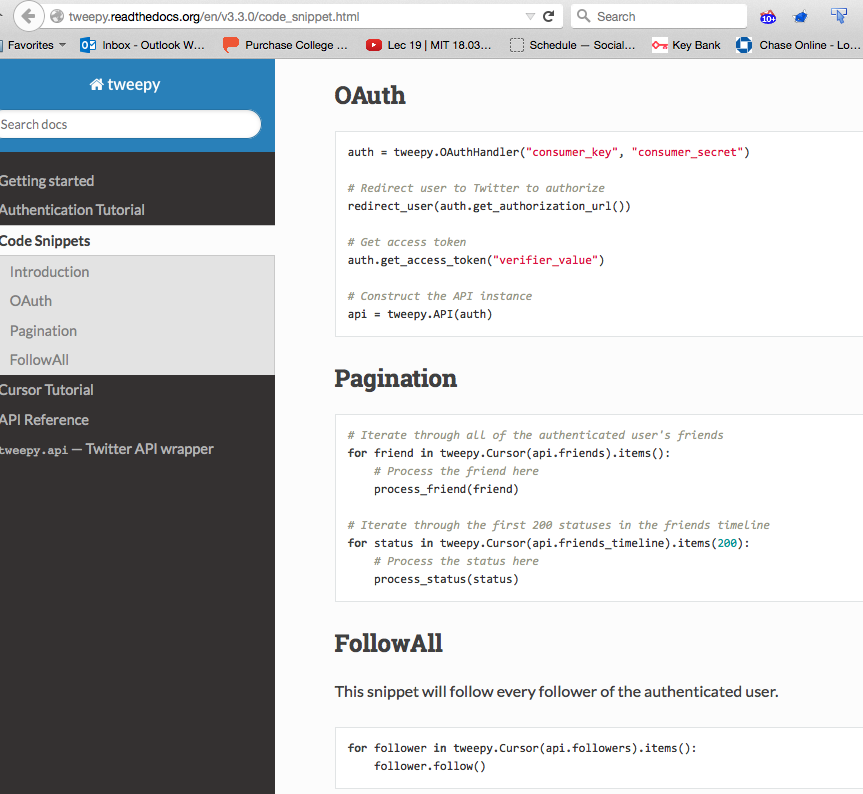
unPopularPoe is implemented in Python, running off of a Heroku Server. This project ended up being more challenging than I expected, with most of my toils coming from the disconnect between the Tweepy program and Twitter API. Tweepy has yet to update some of their documentation, while the Twitter API is being constantly updated, causing frustrating inconsistencies with syntax. Another issue I ran into was properly traversing through lists where every element was a dictionary or hashmap. unPopularPoe retrieves all of the locations where there is trending information(as a json object) then selects one of those at random; It then retrieves the top ten trends from that random location, and selects a random trend from that list. Then it reads lines from an external file(the raven by Edgar Allan Poe) and states that the poem is so much better than the trending information from the selected location. As a cry for friendship, unPopularPoe follows all of its followers back. As it turns out, there was nothing in the twitter API to select hashtags that were specifically NOT trending, so I had to change my original approach.
The Code Explained:
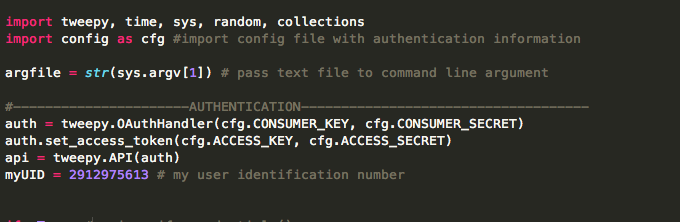
Above we import all of our modules, and authorize sign in to twitter. A config file is imported with this information.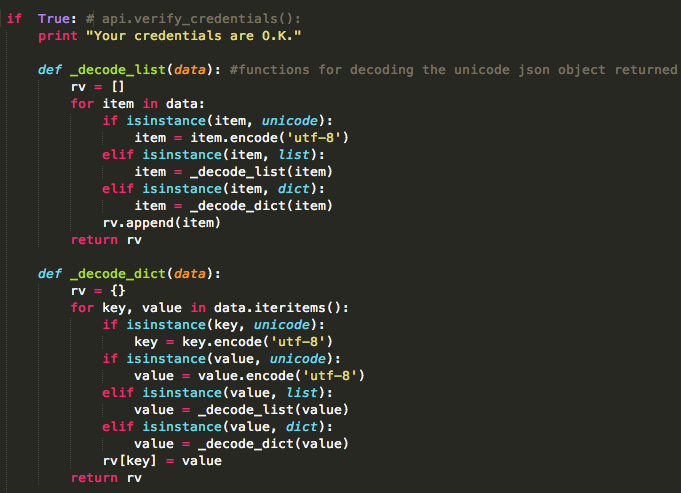
Then we check the credentials and upon passing we see two functions used to convert the unicode json objects to a slightly more readable format.
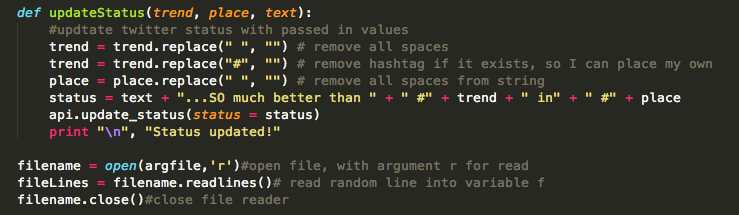
This is the update status function, where the trend, location, and text are all passed in as parameters. It takes the input, and formats the text to remove spaces and hashtags so they can be inserted in proper locations. The bottom bit is how the file is read in.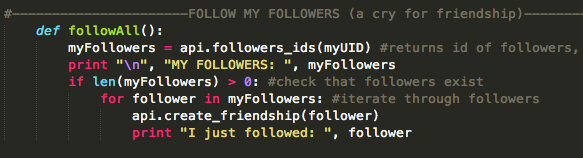
Here is the followAll function, which checks that followers exist then follows all of the followers. This code runs on a random interval between 30 and 45 minutes. unPopularPoe gained 20 followers over night. Who in their right minds would follow this bot?
This massive chunk is where most of the difficult stuff happens. Here the locations and trends are received, selected, formatted, and put in hashmaps and/or lists.The functions are called at the end, and there is a time.sleep() method which lets the code run on a random interval between 30 and 45 minutes.
That is a basic overview of how the code works, it’s all viewable in a gitHub repository link at the beginning of this post. In addition to this code, the bot is running on a Heroku server, which we saw in class.
I learned quite a lot from this experience and I certainly plan on making more twitter bots in the future. It should be much easier with the knowledge I have gained from this assignment.